


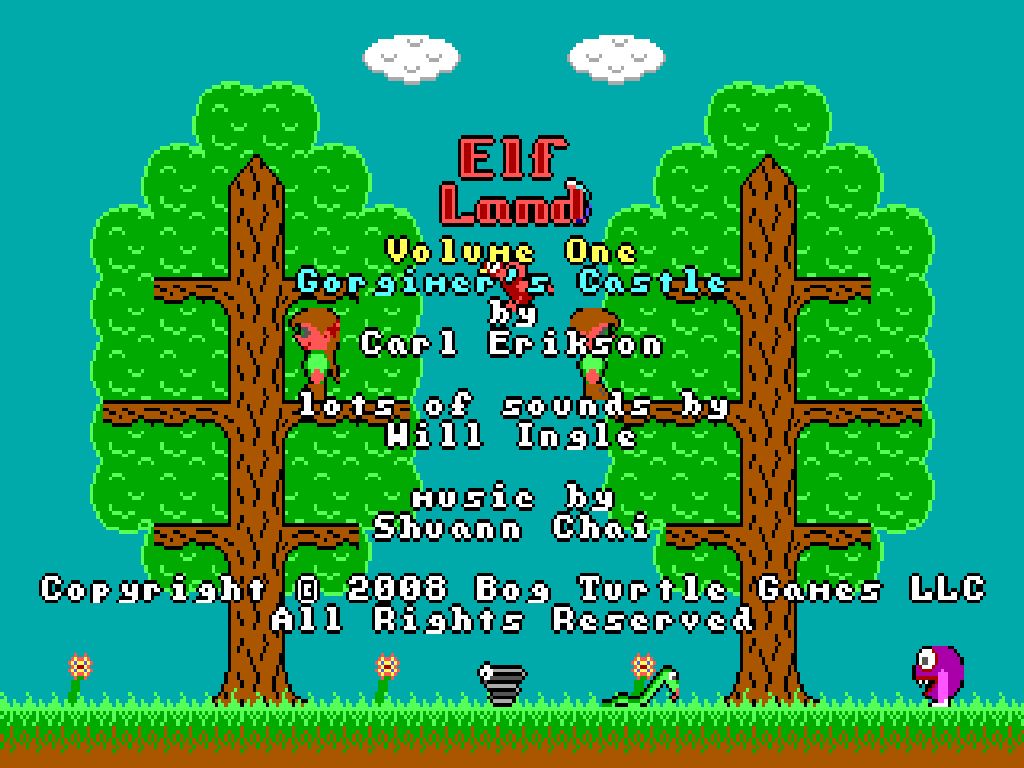
Elfland
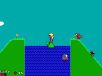
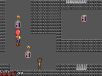
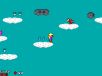
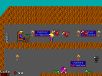
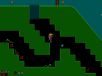
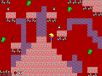
In Elfland, you take on the role of Elfie or Elfita to try and save the elf village from threatening trolls. On your quest, you will encounter helpful turtles, aggressive birds, bouncing springs, purple elf-eaters, and other assorted creatures. In the first free volume your journey will take you into Gorgimer's Castle where you will have to overcome bats, puzzles, and Gorgimer's pet. In the second volume you will have to outmaneuver thunder clouds, find a gigantic bird\'s egg, and enter the Troll Caves to confront the Troll Chieftain!
Elfland was originally written in 1992 as a DOS game. This version has been updated so that it runs using Windows DirectX. All the original graphics, sound effects, and music have been faithfully reproduced! The DOS version of Elfland is sold separately.
Reviews
• MobyGames - "I highly recommend! It seems like a kiddie game, but its fun!"
• Classic-PC-Games - "The graphics are fun and colorful and the sounds are wonderfully nostalgic."
F.A.Q.
I've played Elfland: Gorgimer's Castle. Why should I buy Elfland: The Troll Caves?
In the second volume of Elfland, you will meet the cloud people, Mortimer (Gorgimer's cousin), a gigantic bird, and the evil trolls! You will also get the chance to defeat the Troll Chieftain, rescue the village elves, and receive the Elf Medal of Honor! The second volume also includes hints on how to win and information on how to enter Elfland's secret cheat mode. This mode lets you become immortal, teleport to any level, and have unlimited ammunition!
Why does Windows Vista User Account Control (UAC) appear with the message, "An unidentified program wants to access your computer", when I try to run Elfland or its installer?
For ease of porting, we decided to make Elfland run with administrator rights on Windows Vista. The User Account Control will ask for permission everytime Elfland attempts to run as administrator. Elfland needs this permission in order to write player data into the Program Files folder. If Elfland is not run with administrator rights, you won't be able to save your player's progress. In the future, we will try to make our products work seamlessly with Windows Vista.
When I check the "Launch Elfland" option in the Elfland installer and then exit, why does Elfland abort with an error such as "The requested operation requires elevation"?
The quick solution is to simply launch Elfland once the installer exits. The problem occurs because Elfland does not have administrator rights when launched from the installer.
Why do I get the error "d3dx9_36.dll not found" when I try to run Elfland?
You will need to update your DirectX installation to the latest version in order to play Elfland. You can update your DirectX here.
Why is my screen rotated 90 degrees after playing Elfland and how do I get my screen back to normal?
Your graphics driver may allow rotation of the screen using the Ctrl + Alt + Arrow keys. Unfortunately, this combination of keys is used frequently in Elfland. To restore your screen back to normal, press the Ctrl + Alt + Up Arrow keys simultaneously. To prevent rotation of the screen, you will need to disable it in the graphics driver properties. For example, on a Windows XP machine that has an Intel Graphics Media Accelerator Driver, this would mean going to Control Panel → Display → Settings tab → Advanced → Intel(R) Graphics Media Accelerator Driver tab → Graphics Properties → Display Settings tab, and unchecking the Enable Rotation checkbox.